


 English
 Español
 Português
 Français
 Italiano
 Deutsch
 Русский
 العربية
 Türkçe
 中文
 日本語
 Indonesia
Guide · Honor · MagicOS 9 · 10 · 11
Honor asks for “Verify account” from Google after a reset: why it happens and how to fix it
Guide for MagicOS 9, 10 and 11. We compare the solutions and show you the one that removes the lock for good.
XUXiaomiUnlock.com · updated November 15, 2026 · 7 min read

You tapped “Reset phone”, waited for it to finish and, when you thought it was ready, your Honor stopped on a screen you didn't expect: “Verify account”. It asks for a Google email you used years ago, or one someone else created for you. Don't worry: the phone isn't damaged. It's a security feature, and it has a solution. Here we explain how to tell if this is your case, what options exist and which one really works on today's Honor phones.
💬 Talk to a technician
Section 1 · Diagnosis
1. How to tell if your Honor has an FRP lock
Check these signs. If you see at least two, it's FRP:
- ✓After the reset the MagicOS “hello” welcome appears.
- ✓After connecting to Wi-Fi, it reaches “Verify account” or “This device was reset”.
- ✓It asks for the same Google account it had before, and won't let you create a new one.
- ✓You can't skip the step: the “Skip” button doesn't appear or doesn't move forward.


Section 2 · The reason
2. Why Google locks the phone after a reset
Android has a protection called Factory Reset Protection (FRP). When you sign in with a Google account, the phone remembers it even after you wipe everything. If someone resets it without removing that account first, Android assumes it might not be the owner and demands the original email.

“In practice, the person who runs into this lock most is the owner.
People who forgot the email, who changed their number and no longer get the code, or who reset the phone with the buttons because they forgot the screen pattern.

Section 3 · Comparison
3. The 4 possible solutions , compared
| Solution | Needs the previous email? | Works on MagicOS 9–11? | Does the lock come back? | Difficulty |
|---|---|---|---|---|
| Recover the account in Google | Yes | Yes | No | Easy, if you remember the email |
| Tricks with apps or accessibility | No | Almost never | Yes, when updating | High |
| Taking it to a technician | No | Depends on the technician | Depends | Medium (travel and wait) |
| ⭐ Server KEY (XiaomiUnlock) | No | Yes | No | Easy, from home |

Section 4 · Step by step
4. The definitive solution: server KEY, step by step
With this method, our server generates a KEY unique to your Honor's serial number. The program uses it to remove the account for good. You need a Windows PC, a USB Type-C cable and the free program.


Step 1
Step 2


Step 3

Step 4

🔑 Got your serial?
Paste your Device Fastboot SN here and pick your WhatsApp. The message is sent with your serial.
Step 5

Step 6

Step 7

Step 8


Video
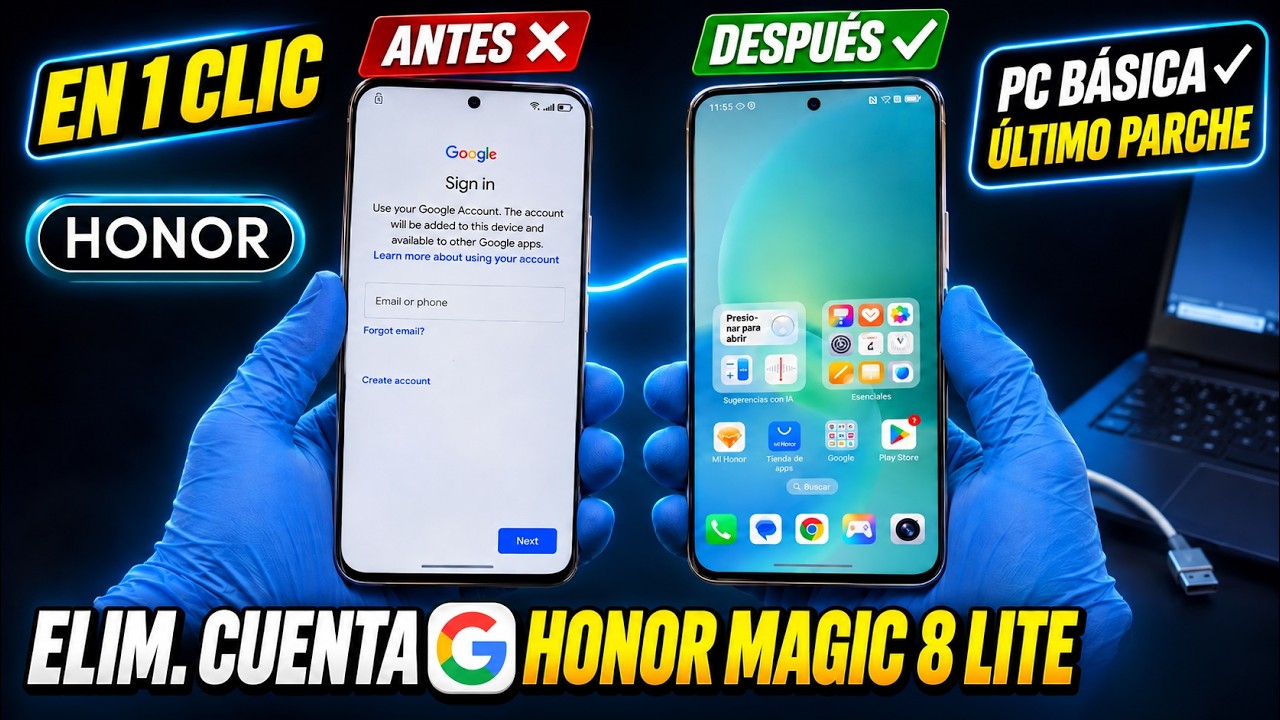
💬 Send my serial number on WhatsApp
Section 5 · Solutions
5. Common errors and how to solve them
🔌The program doesn't show the serial number.▾
Change the cable (some only charge) or the USB port, and make sure the phone is in Fastboot.
🔁The phone turns on normally instead of entering Fastboot.▾
Turn it off completely, hold Volume − first and connect the cable afterwards.
💻The PC doesn't recognize the phone.▾
Try a rear USB port on the PC or restart the computer.
🔑The KEY doesn't work.▾
Check that the serial number on the order is exactly the one the program shows. If it's still the same, send us a screenshot on WhatsApp.
Section 6 · Prevention
6. Tips so it doesn't happen again

Honor customers who already did it
Real published cases with chat screenshots (phone numbers and IMEI covered).
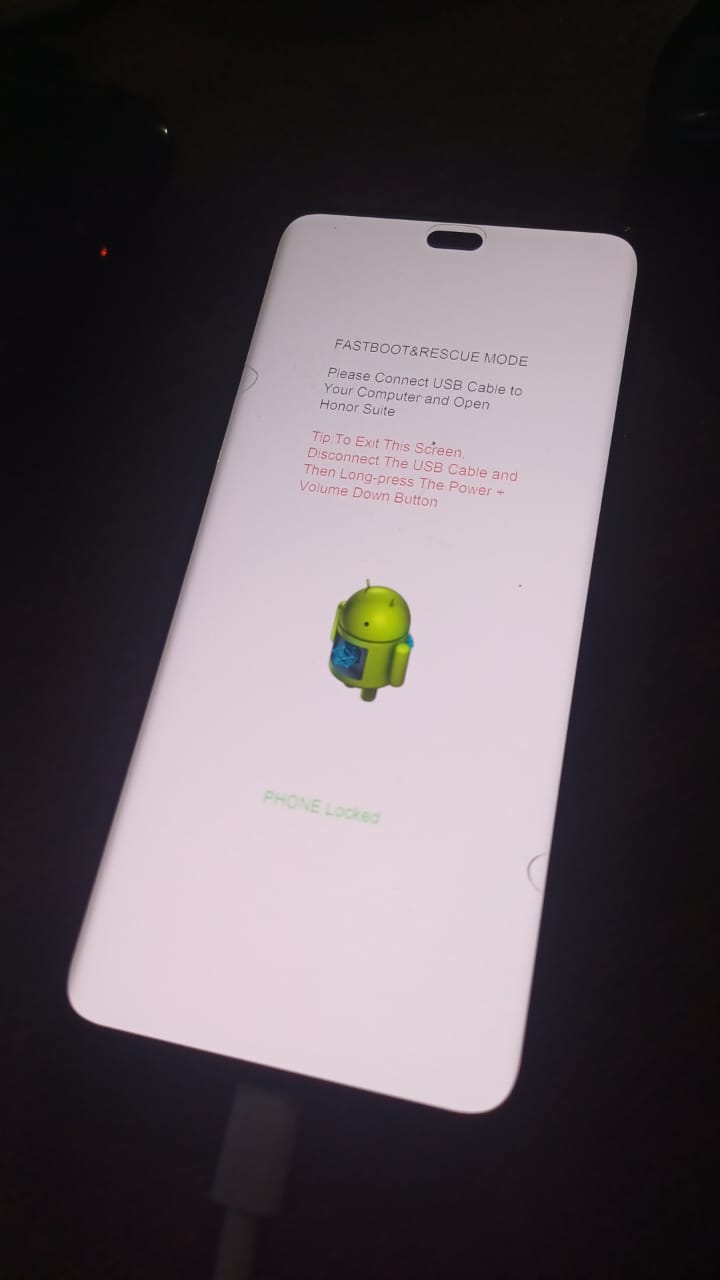
 Costa Rica
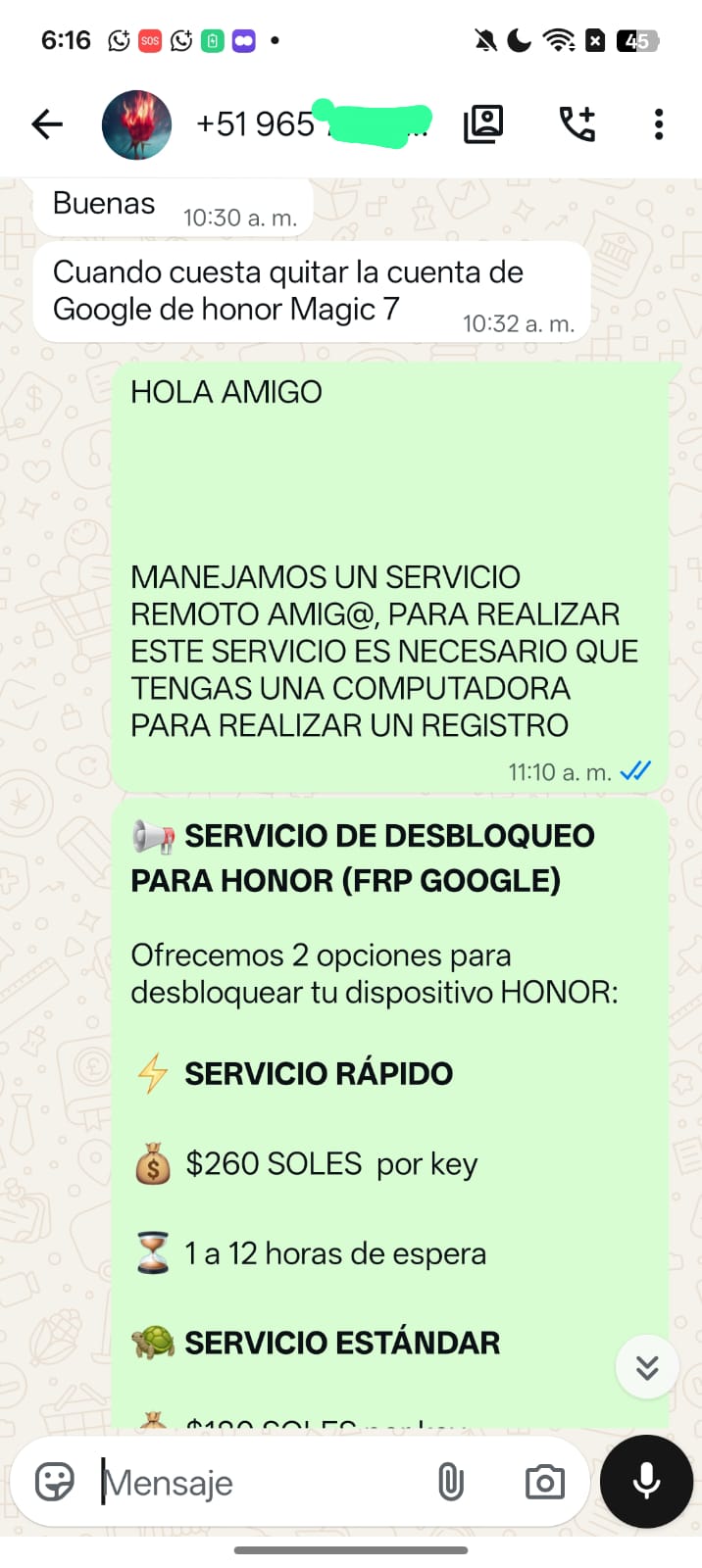
 Peru
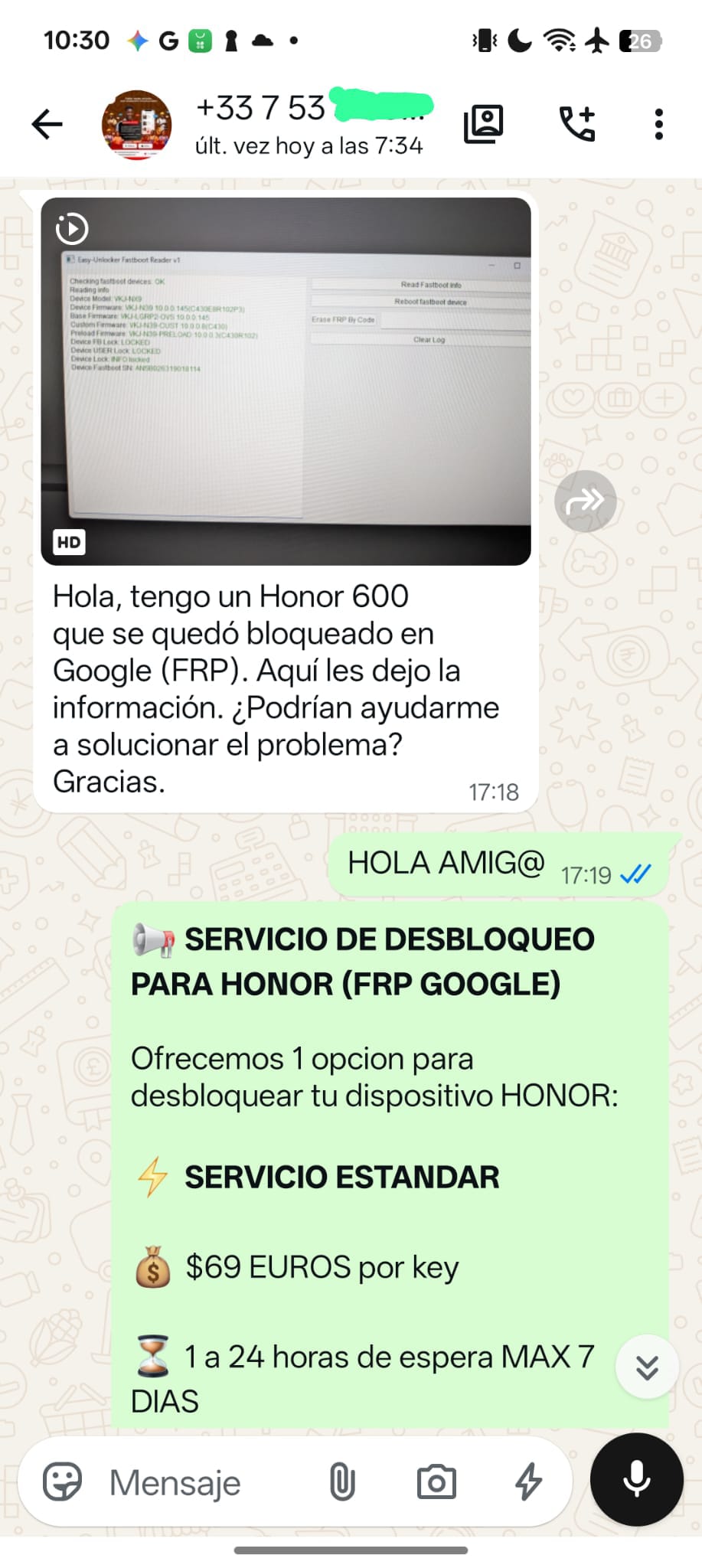
 Spain
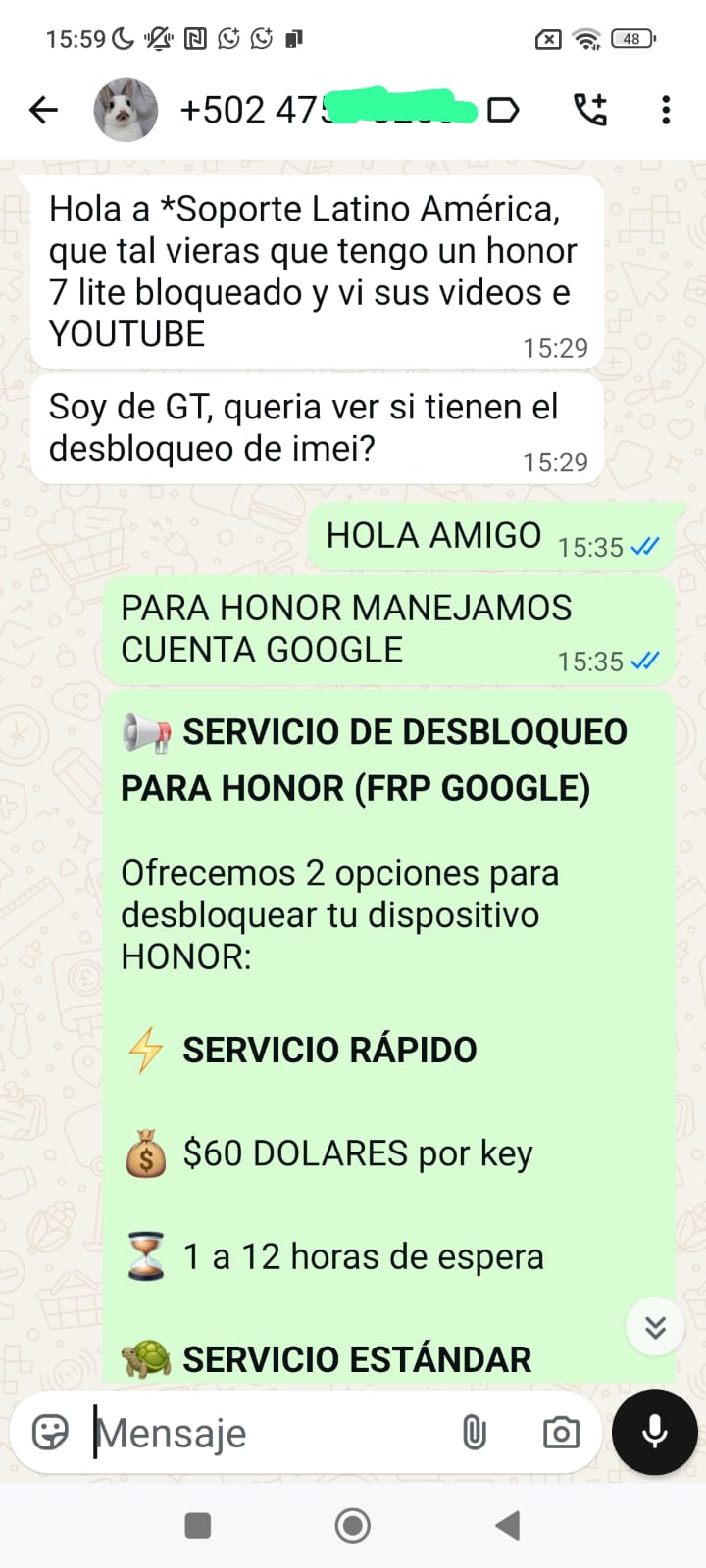
 Guatemala
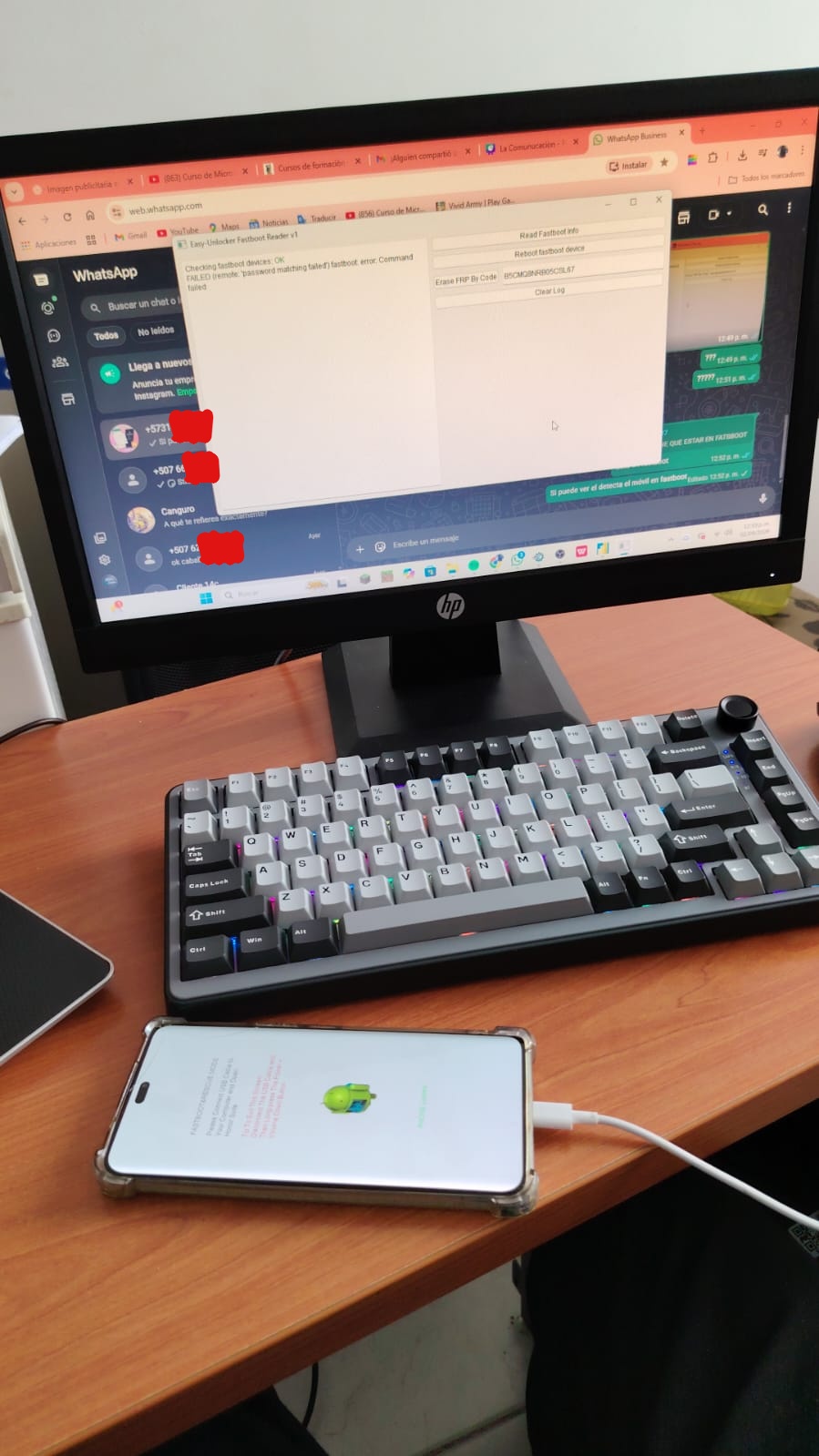
 Panama
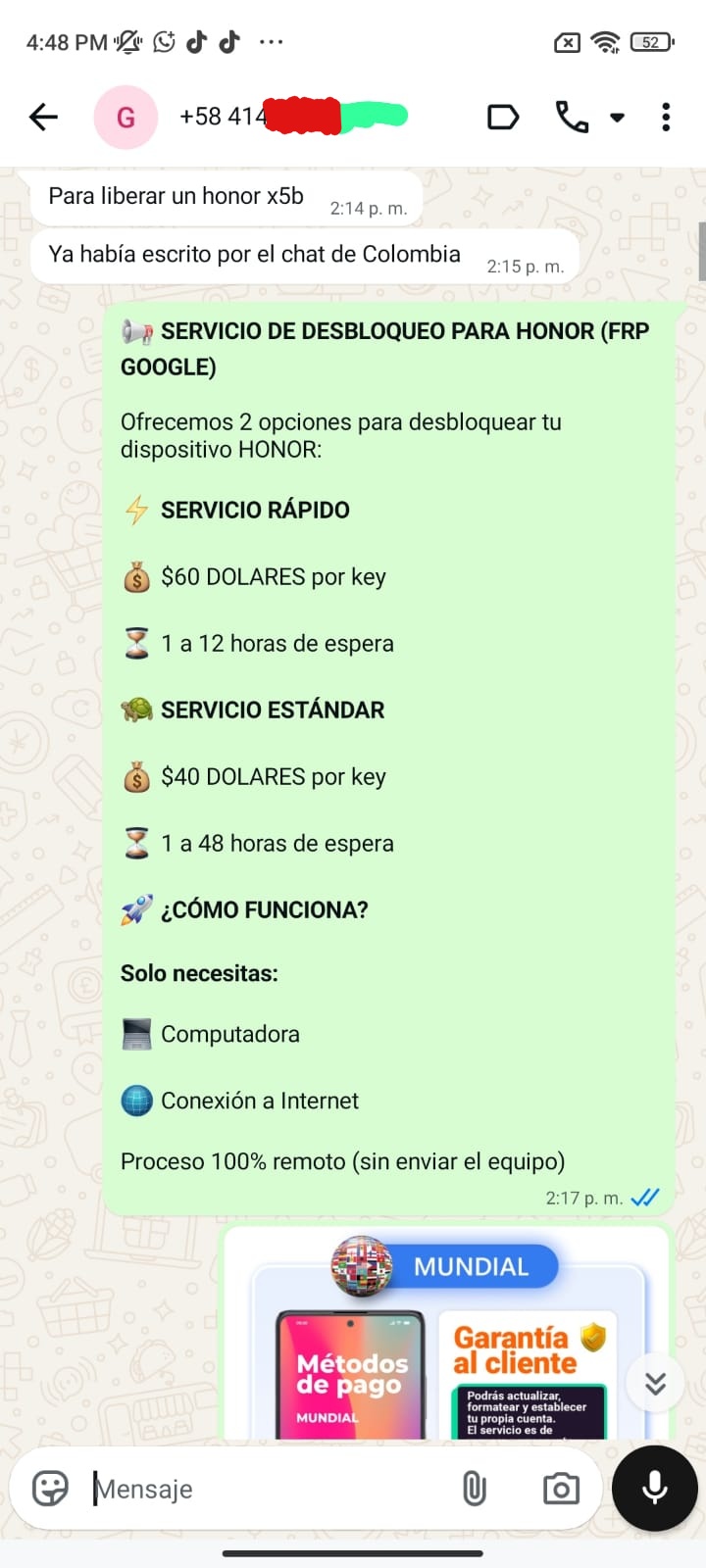
 Venezuela
Section 7 · FAQ
7. Frequently asked questions
⚖️Is removing FRP legal?▾
Yes, if you're the owner or the technician helping the owner. We don't unlock devices reported as lost.
🌎Does it work in all countries?▾
Yes, the KEY is generated on the server and works in any country.
📦Do I need to send the phone?▾
No, everything is done from your PC.
🔄Can I update afterwards?▾
Yes, the account is removed for good and doesn't come back when updating or resetting.
💲How much does it cost?▾
The price appears in the service for each Honor model on xiaomiunlock.com.
🔑 Got your serial?
Paste your Device Fastboot SN here and pick your WhatsApp. The message is sent with your serial.
Conclusion
Conclusion
The “Verify account” screen is scary, but it has a solution. If you don't remember the email, the server KEY is the most stable way to free a Honor with recent MagicOS: from home, without opening the phone and forever.
💬 Talk to a technician

Related articles
- ➜Honor testimonials
- ➜Remove the Xiaomi Mi account
- ➜Xiaomi FRP HyperOS
Remote unlocking for Xiaomi, Honor and Samsung · WhatsApp Latam · Mexico · Worldwide
🔍 Related searches ▾
📱 Compatible Honor models (38) ▾
Number series: 90 Lite · 200 · 200 Pro · 400 · 400 Lite · 400 Pro · 600 · 600 Pro
X series: X6 · X6B 4G · X6C · X7 · X7A · X7B · X7C · X7D · X7E · X8 · X8C · X8D · X9 · X9B · X9C · X9C Smart · X9D · X10
Tablets: MagicPad 4 · Pad 9 · Pad 10 · Pad V9 · Pad X8
See all 38 Honor services ›