POCO F5 in Mexico: Mi Account removed remotely
Chat screenshots
Real WhatsApp screenshots. We covered the customer's phone numbers and IMEI to protect their privacy.
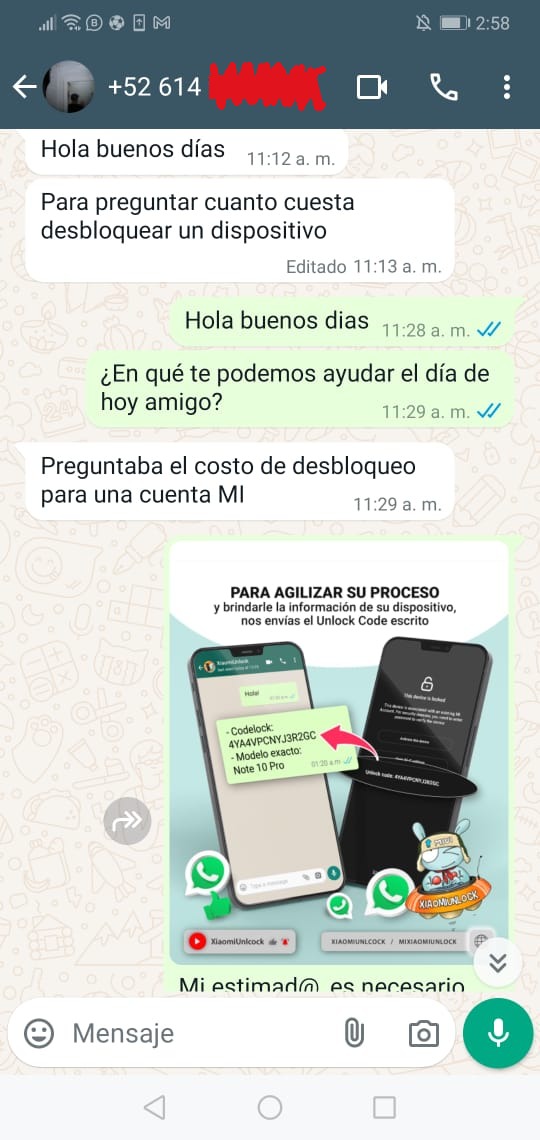
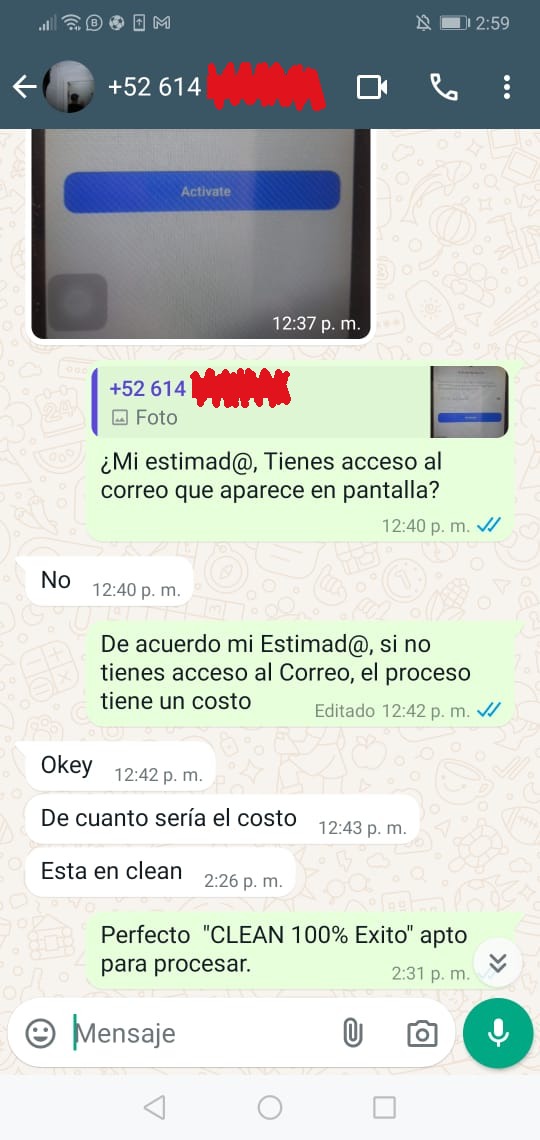
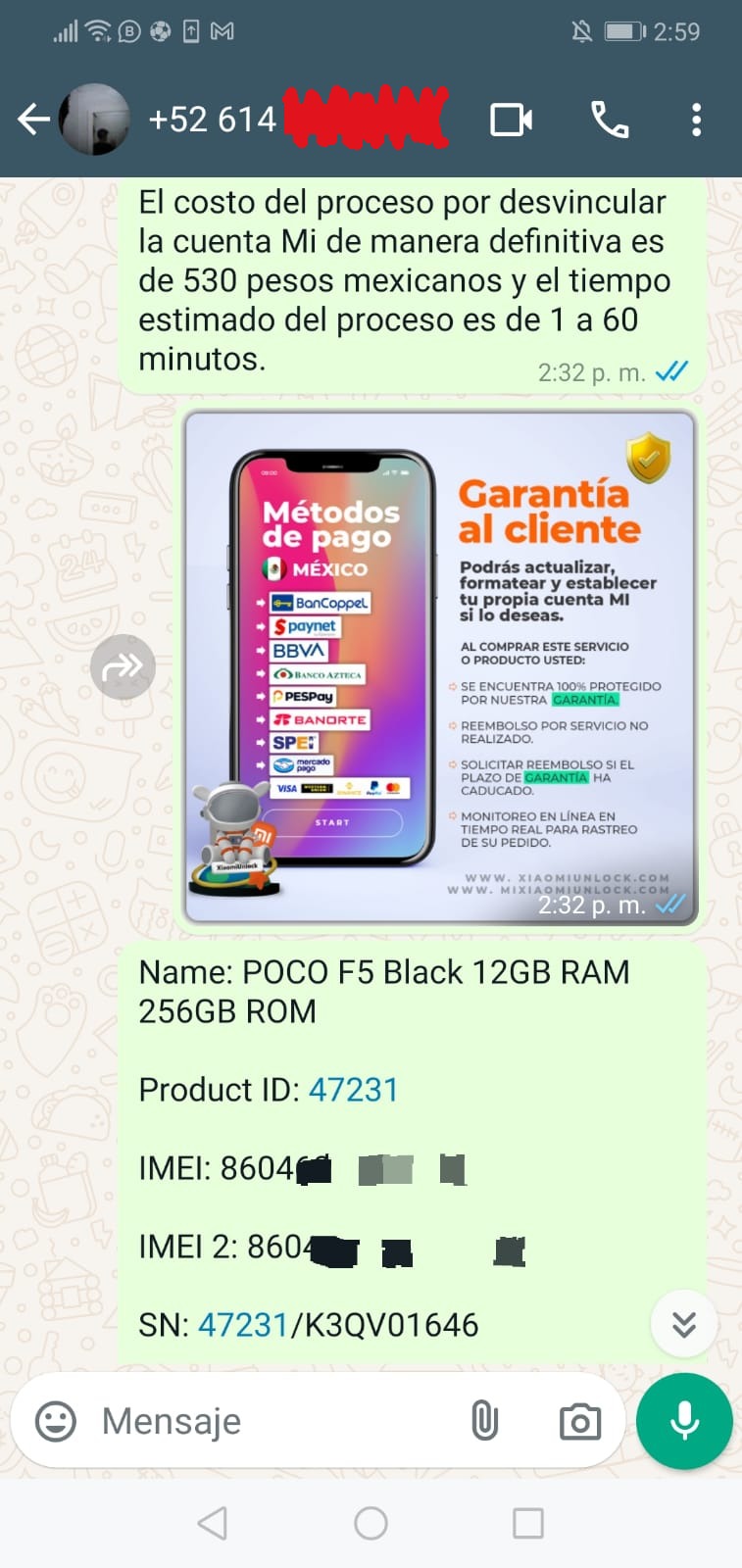
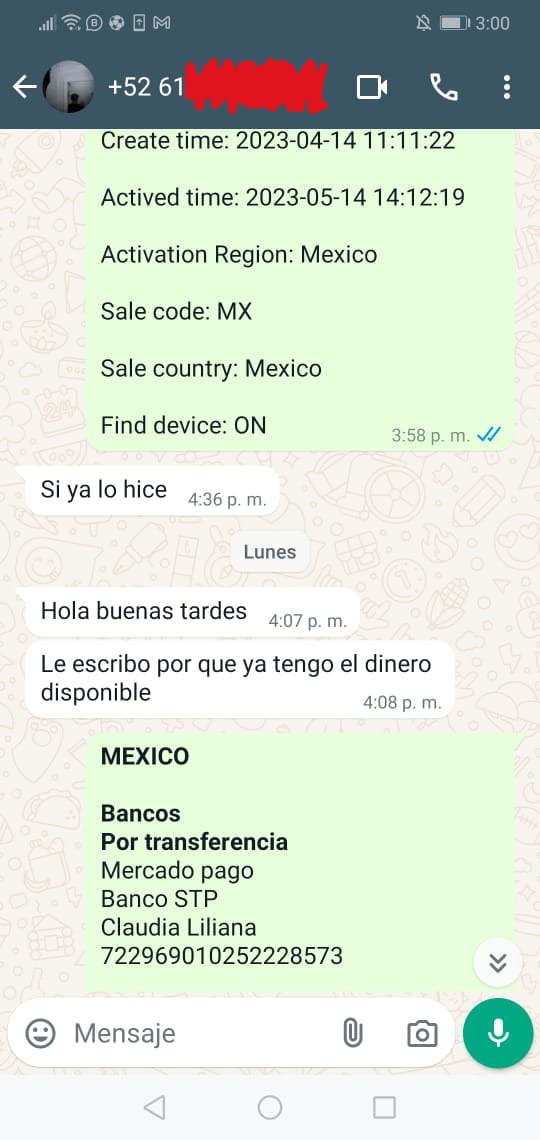
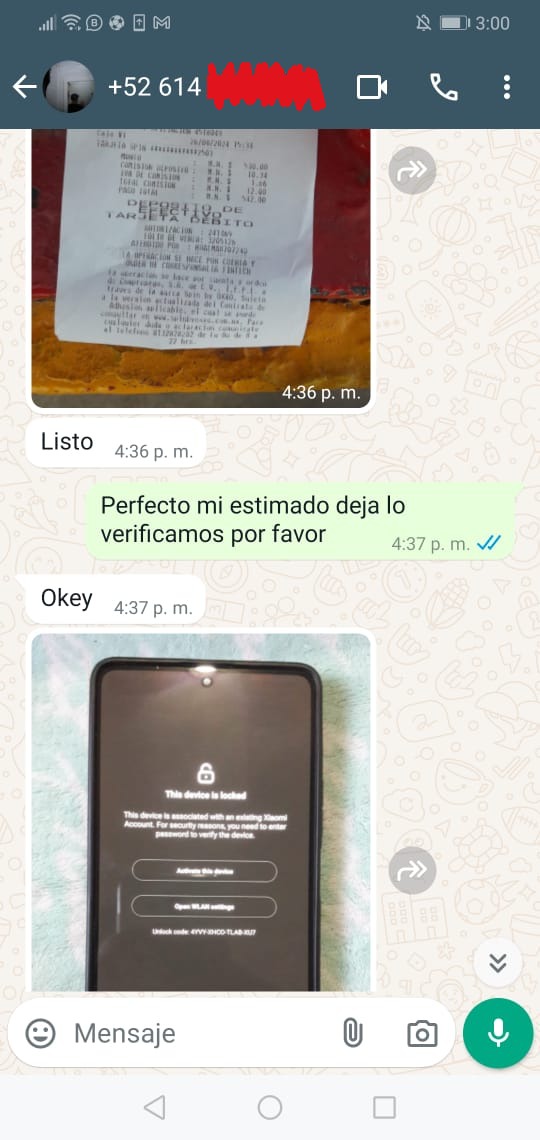
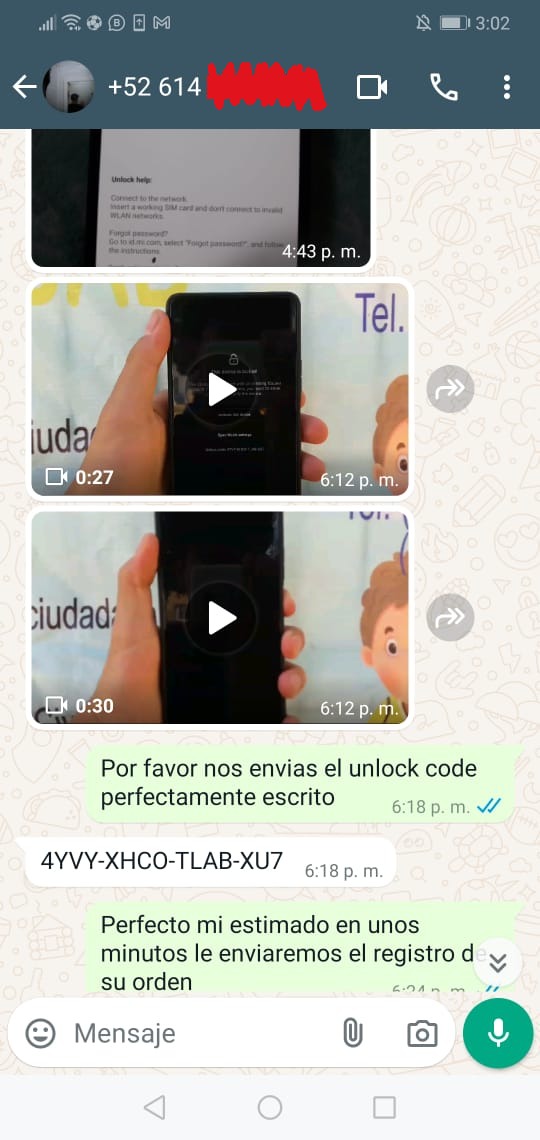
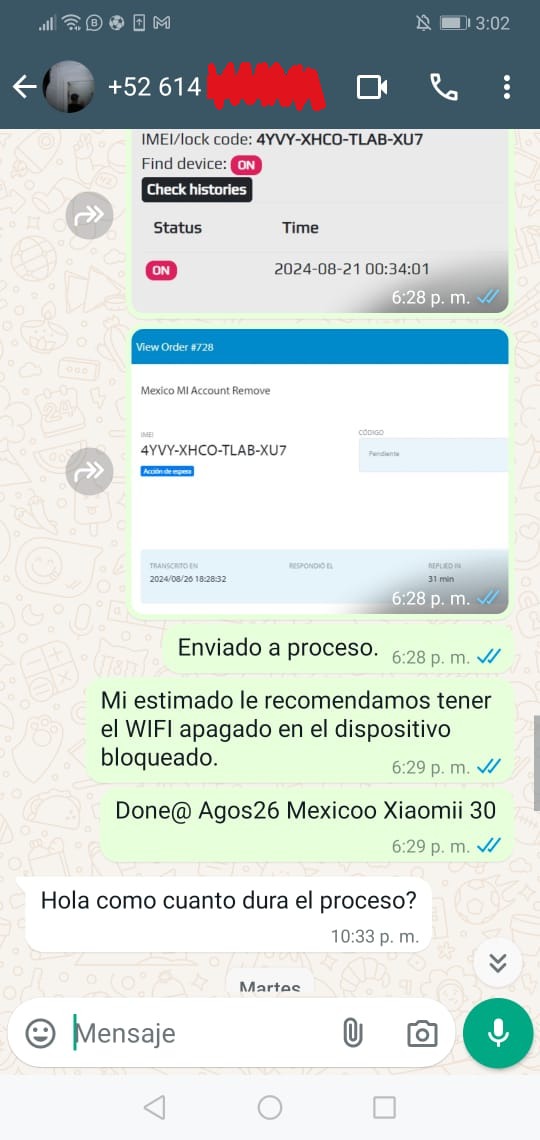
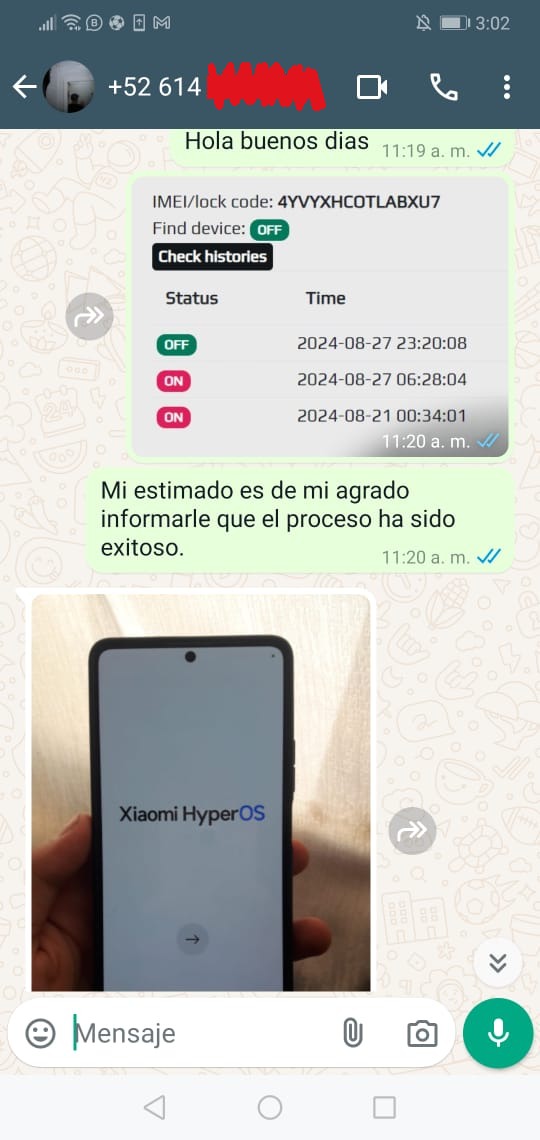
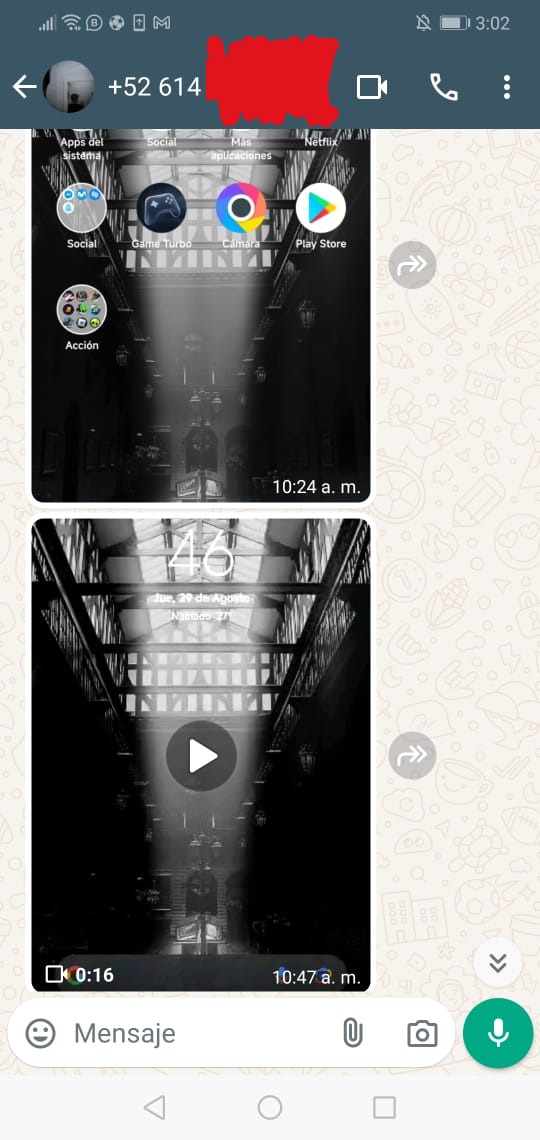
Happy customer from Mexico – Mi Account procedure on POCO F5  😉
📸 Customer photos and videos


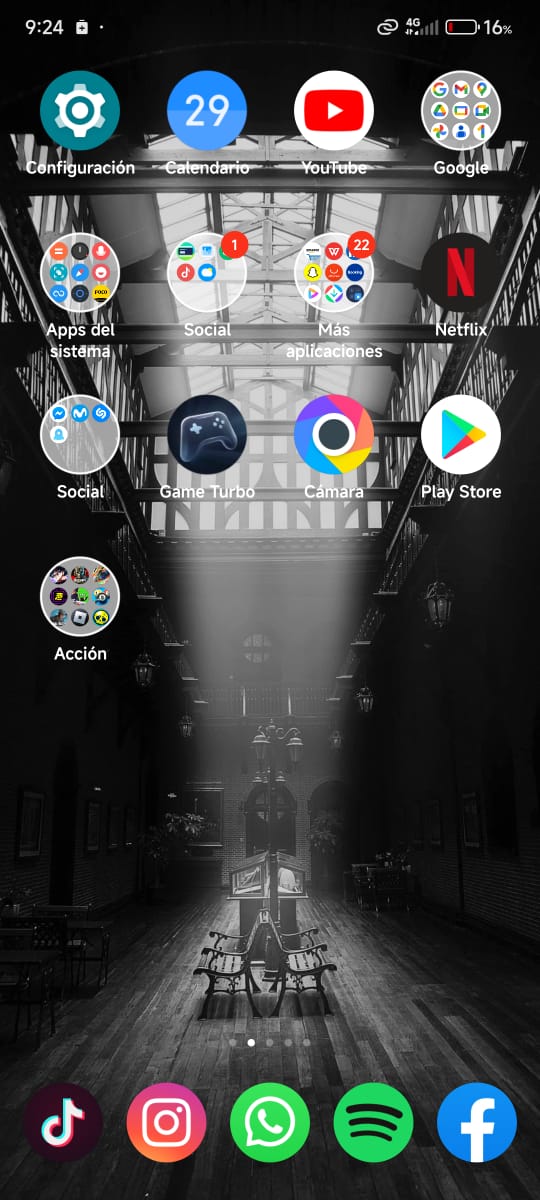
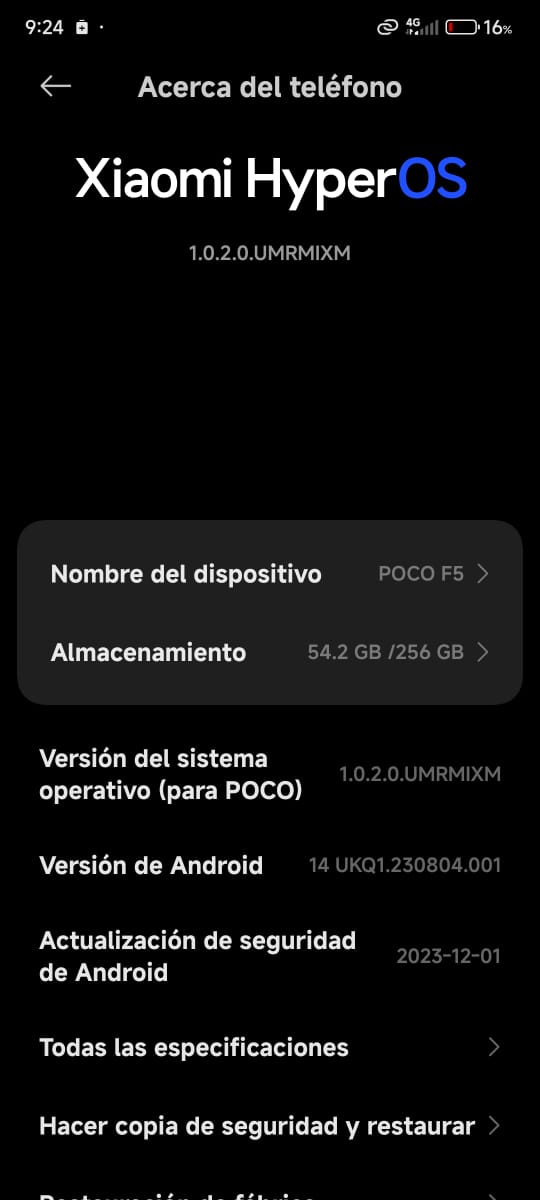
Happy customer from Mexico – we unlinked the Mi Account from their POCO F5 😉
How the case went
A customer from Mexico contacted us on WhatsApp because their POCO F5 (Black 12 GB RAM, 256 GB) was locked with a Mi Account they could not access.
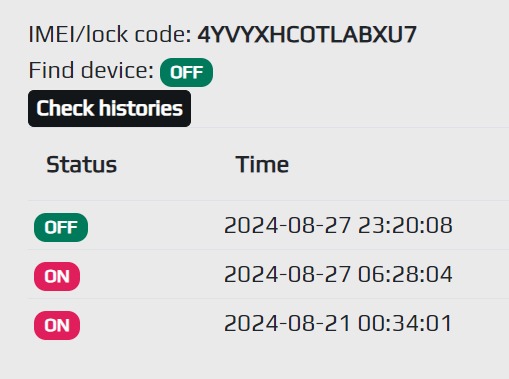
Using the device details we did the whole process remotely: the customer did not have to take the phone anywhere or use a PC. At the start, "Find device" was turned on.
For Xiaomi the process takes 24 hours max.
Once finished, the customer set up the phone with their own account and used it normally.
Comments
Be the first to comment.
Frequently asked questions
Can you remove the Xiaomi account from a Xiaomi POCO F5 in Mexico?
Yes. We remove the Xiaomi account (Mi Account) from your POCO F5 remotely from Mexico, without taking the phone anywhere. It takes 24 hours max.
How do I unlock the Mi Account on a Xiaomi POCO F5 without the SIM or email?
You do not need the SIM or the account email. With the IMEI and the device details we do the process remotely, and then you set up the POCO F5 with your own account.
Does Xiaomi account removal for the Xiaomi POCO F5 work in any country?
Yes. We remove the Xiaomi account from the POCO F5 in Mexico and other countries, because everything is done remotely over WhatsApp.